10–15 minutes per proof adds up. Time for a change.
Features
Branded templates, PAIS, programmatic layouts—minutes per proof, not a quarter-hour grind, so you keep your presses running. No approval workflow in Pressley.
Getting started
Naming rules below—full flow on Home → PDF Workflow.
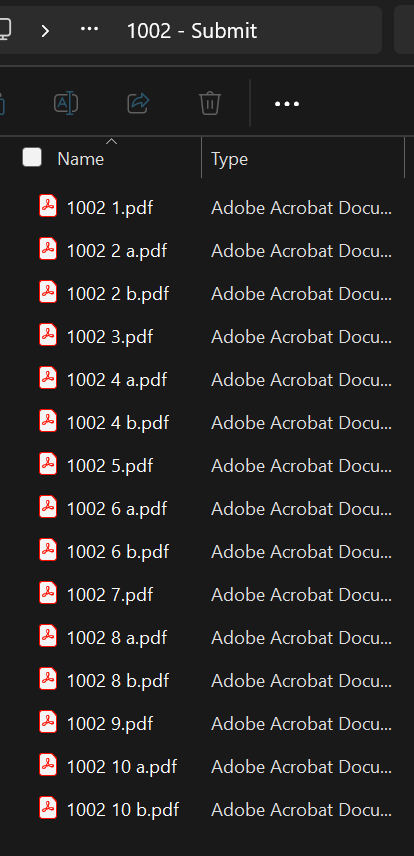
26200 1.pdf (order, space, line)26200 1 a.pdf and 26200 1 b.pdf (space before a or b)Spaces only—no dashes in the filename.
More than a PDF export
Our proofing system is built for flexibility. Pressley reads shopVOX and picks the right proof path for each job — so your shop gets client-ready review files without rebuilding layouts by hand.
Choose a branded proof with your shop identity, or a clean non-branded proof for a neutral client presentation. Pressley applies the right option from your setup.
Need a unique layout for a picky shopVOX account? We can wire up account-specific proof templates for an additional fee — so VIP end clients get exactly the proof format they expect.
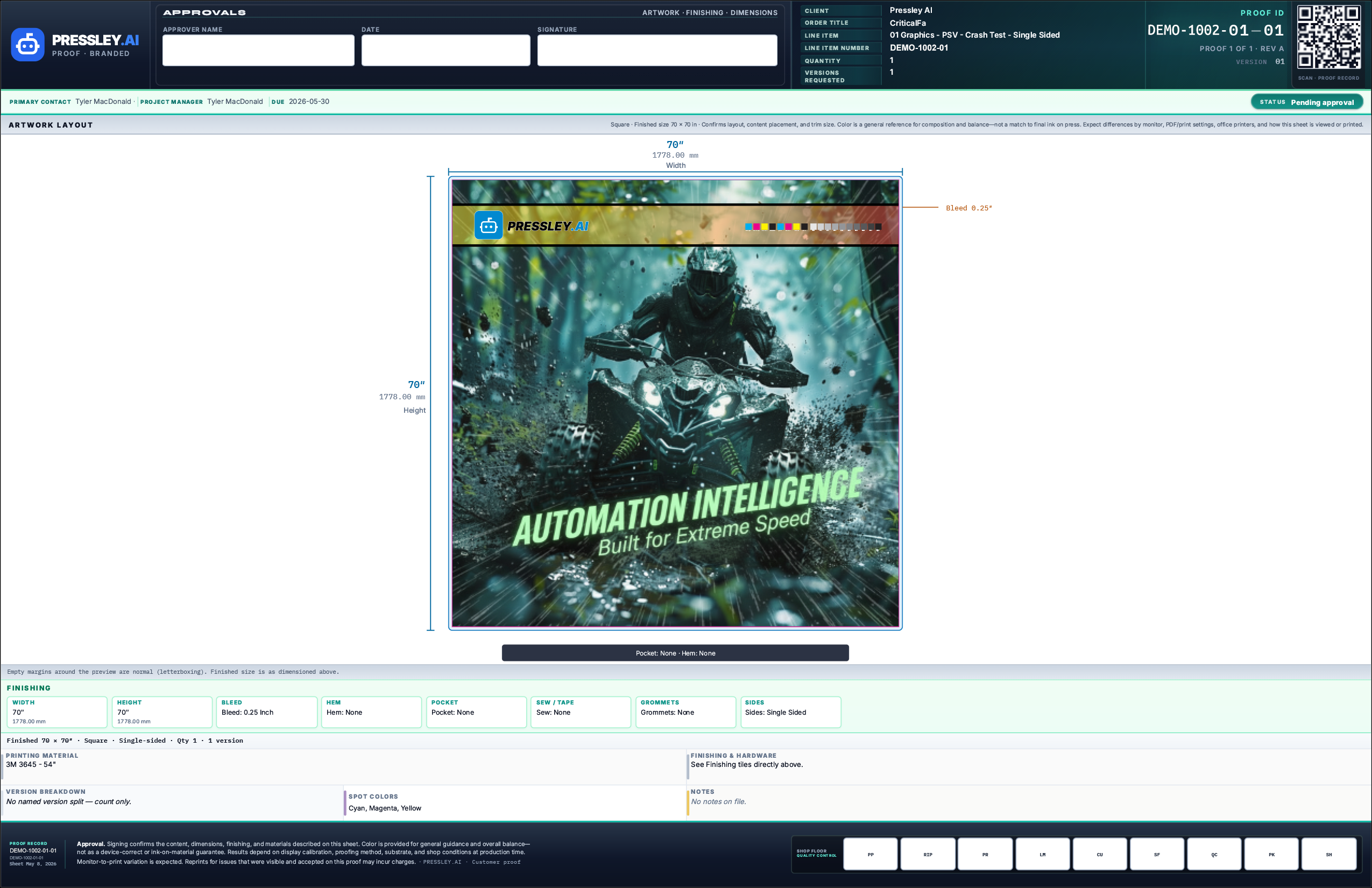
Our newest approach: Pressley draws the proof layout fresh every time — smart wording, spacing, and job details placed dynamically. Information density and clarity you won't get from a static template alone.
Programmatic proof
Layout built per job
Instead of dropping data into a fixed box, Pressley composes each proof on the fly. Wording, spacing, and job information adapt to what's on the order — including versions, double-sided layouts, and the details your clients need on the proof sheet.
shopVOX version breakouts
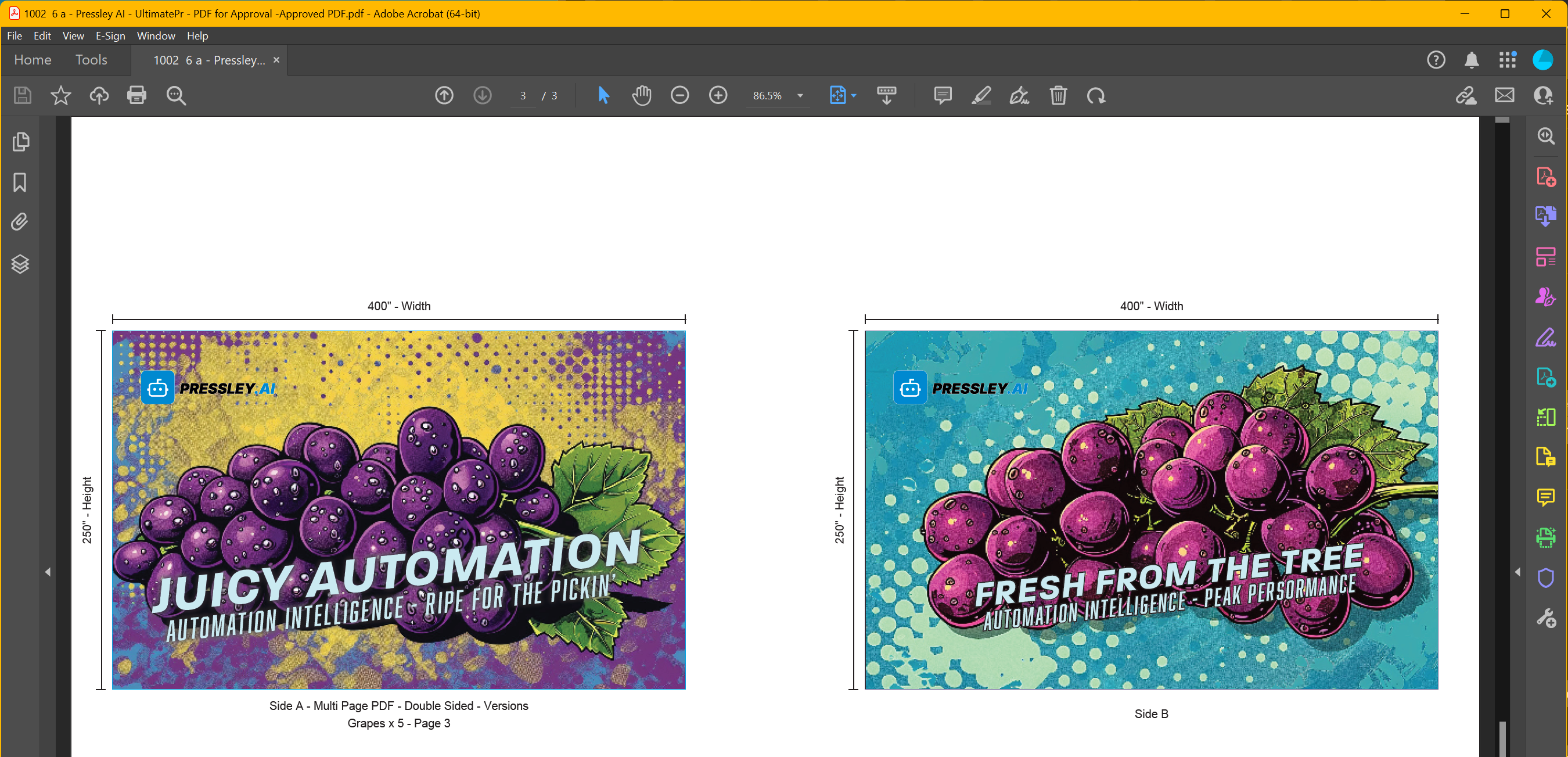
In shopVOX, users can enter version breakouts with a name and quantity for each version. Submit your PDFs in the same order as those breakouts, and Pressley places the correct information on the correct proof page — under the matching image on the left, with version name and quantity shown clearly.
Click any page to enlarge.
Page 1
Page 2
Page 3
No manual relabeling page by page. Pressley ties shopVOX breakout data to each submitted file in sequence — so your clients see exactly which version and how many, on the page that matches their PDF.
Proof without production processing
Sometimes you need a customer-facing proof PDF, but the file must not go through full production automation — no extra marks, scaling, or finishing applied to the artwork.
Print As Is proofs wrap your file in the proof template only. Production can still run separately when you're ready; the proof path stays independent. See also Production Files for full automation.
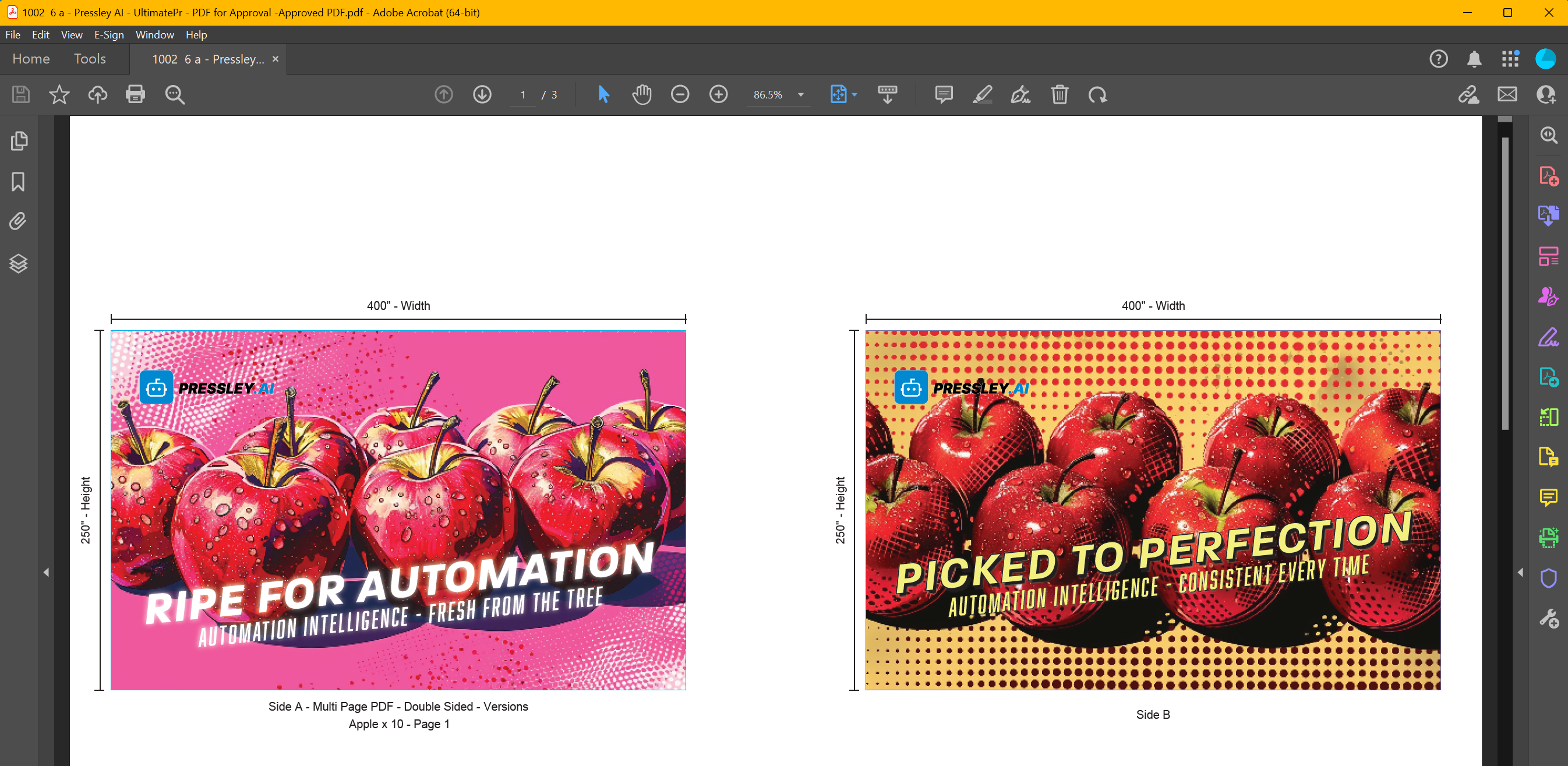
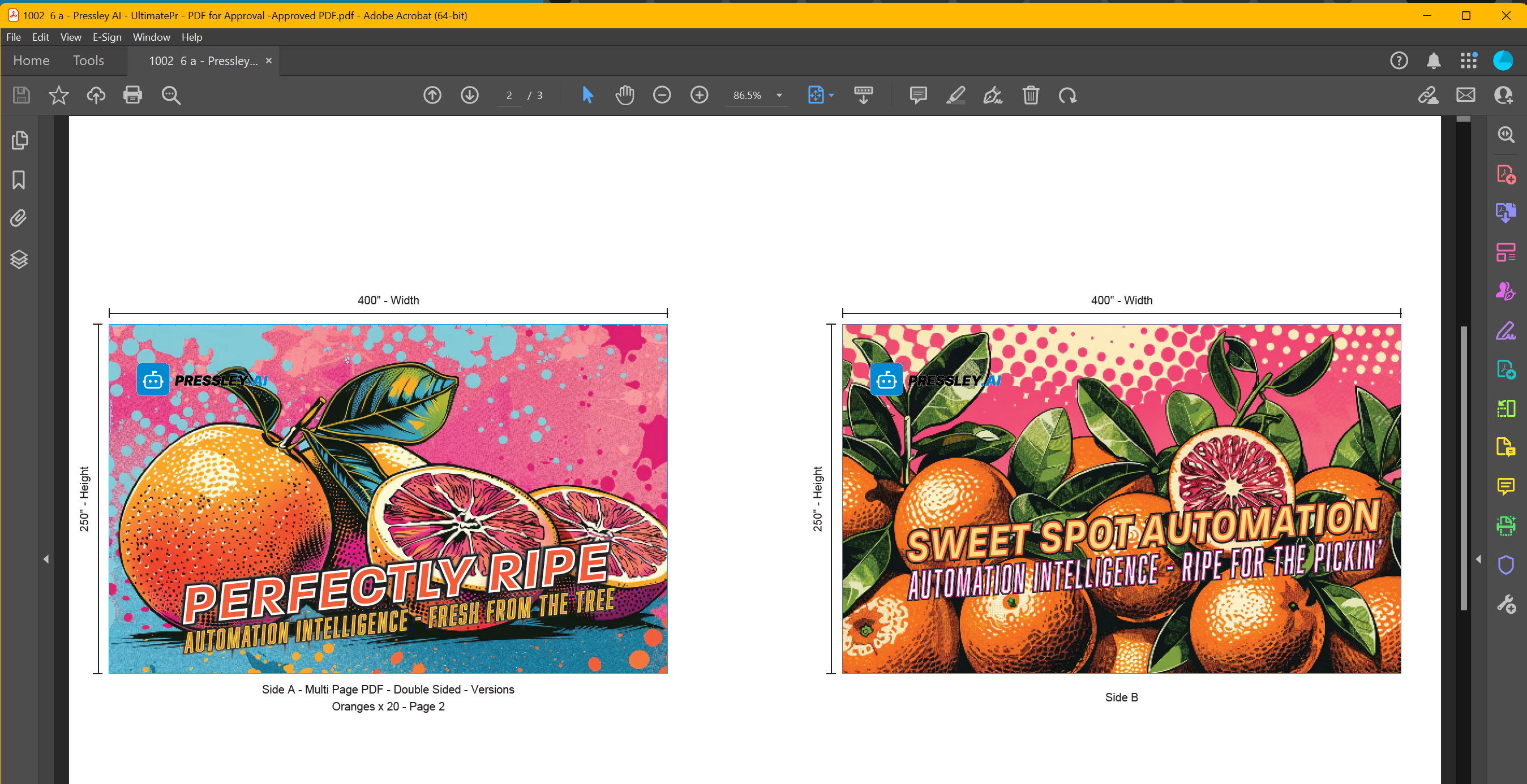
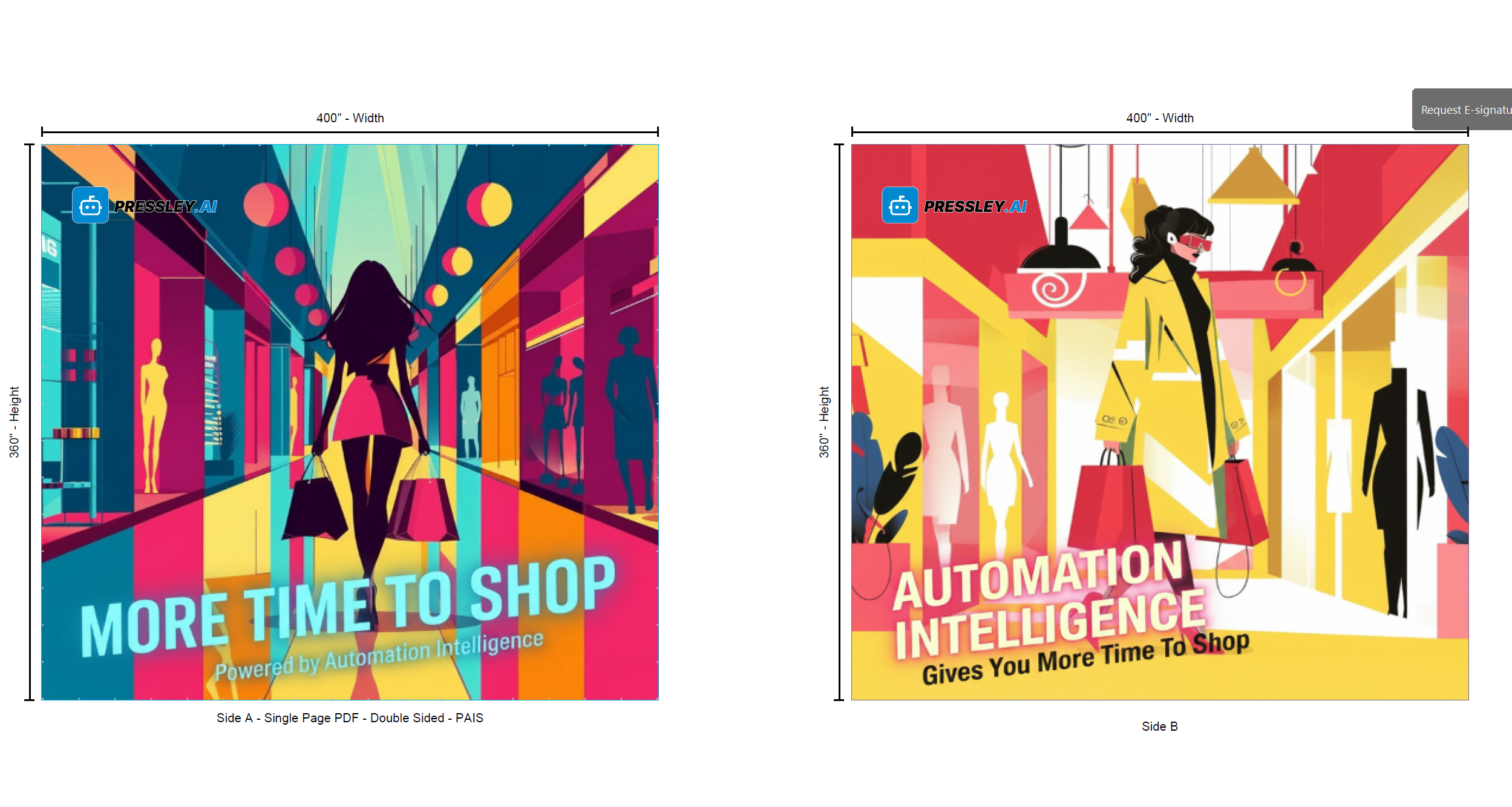
Double-sided PAIS supported — review both sides without forcing production processing on the source PDFs.
Double-sided PAIS proof
Proofs are separate from production files. Same file naming as How to Submit. Pressley does not approve jobs—if your shop uses an Approved column on the shopVOX board, that stays in shopVOX. FAQ
Job data comes from shopVOX
Branded, custom, programmatic, or PAIS — chosen from shopVOX
Proofs are generated and placed in the correct folder automatically
Ready for review in minutes