Production waiting on prepress? Time for a change.
Features
Marks, bleeds, double-sided (A over B), rip-ready PDFs on your server—production gets files when the press needs them, not when prepress finally gets free. PDF Workflow
Getting started
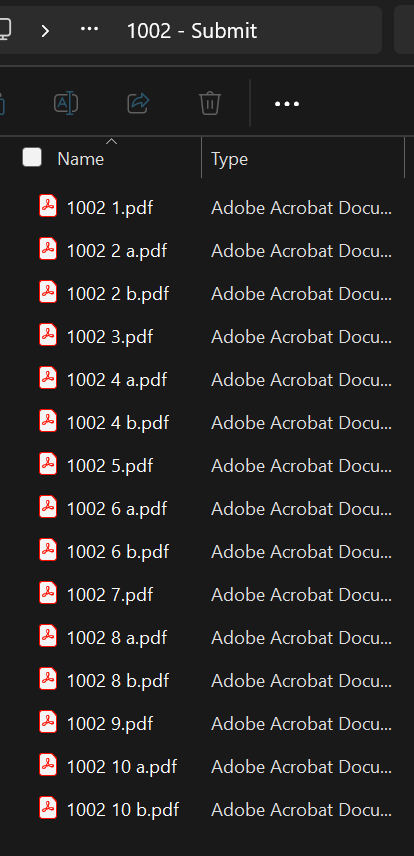
Same naming as proofs—see PDF Workflow or proof submit examples.
26200 1.pdf (order, space, line)26200 1 a.pdf and 26200 1 b.pdfSpaces only—no dashes in the filename.
Same file naming for PDF proofs and production files.
After scale and resolution checks, Pressley builds RIP-ready output from your shopVOX specs.
Shop-floor clarity
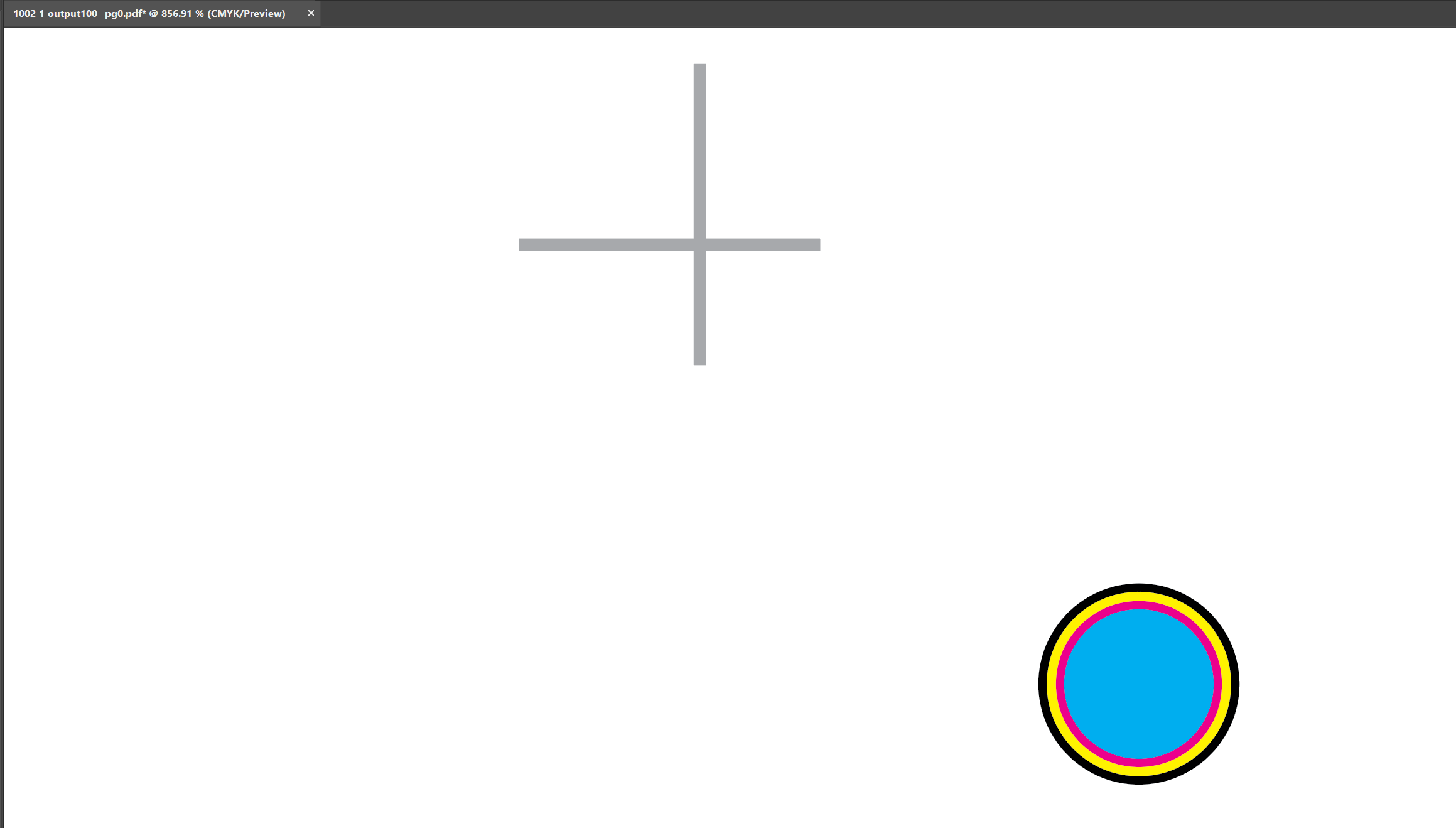
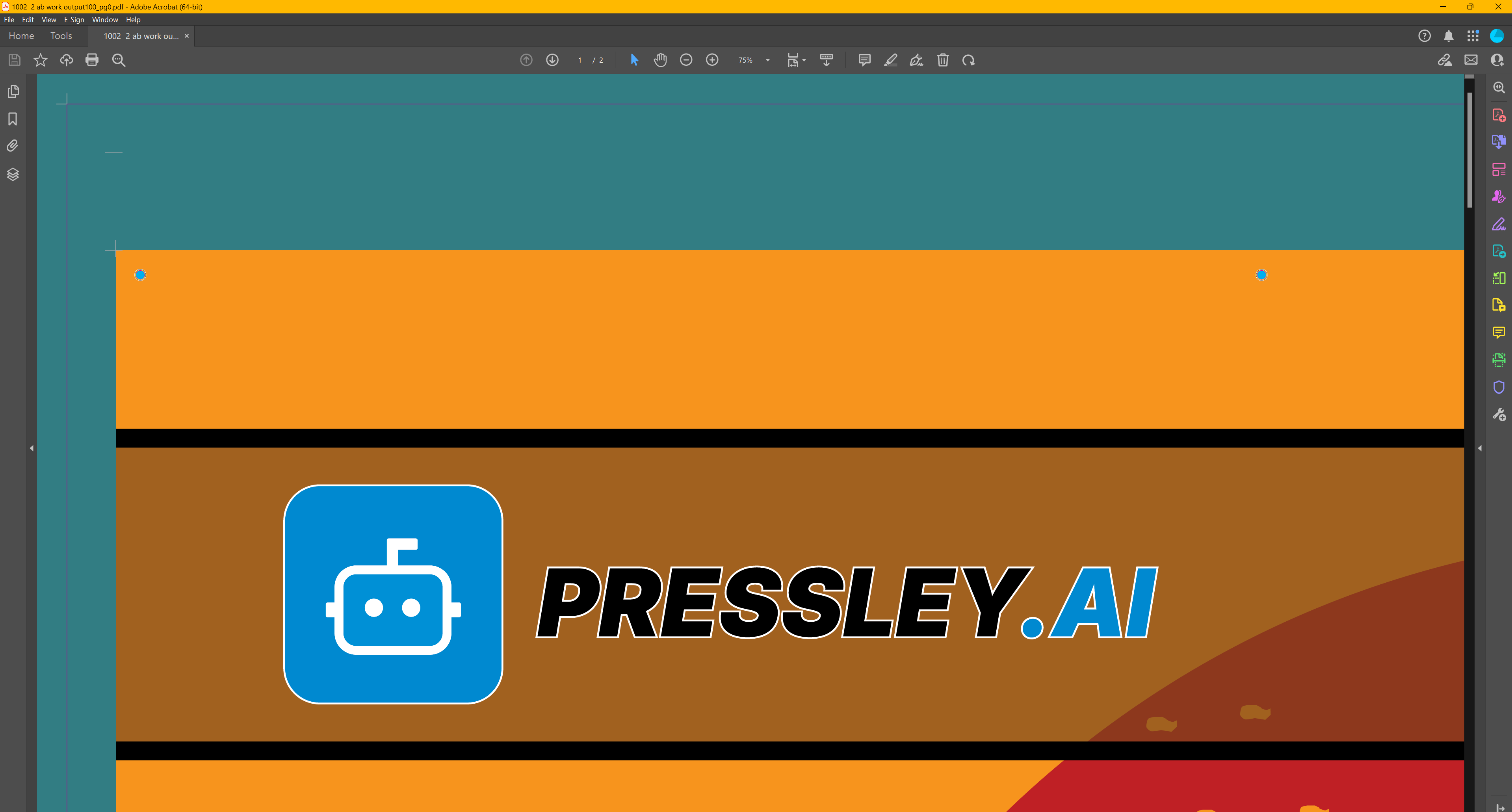
Pressley applies the finishing marks your job calls for — drawn from shopVOX so they match what production and finishing expect.
Finishing marks legend
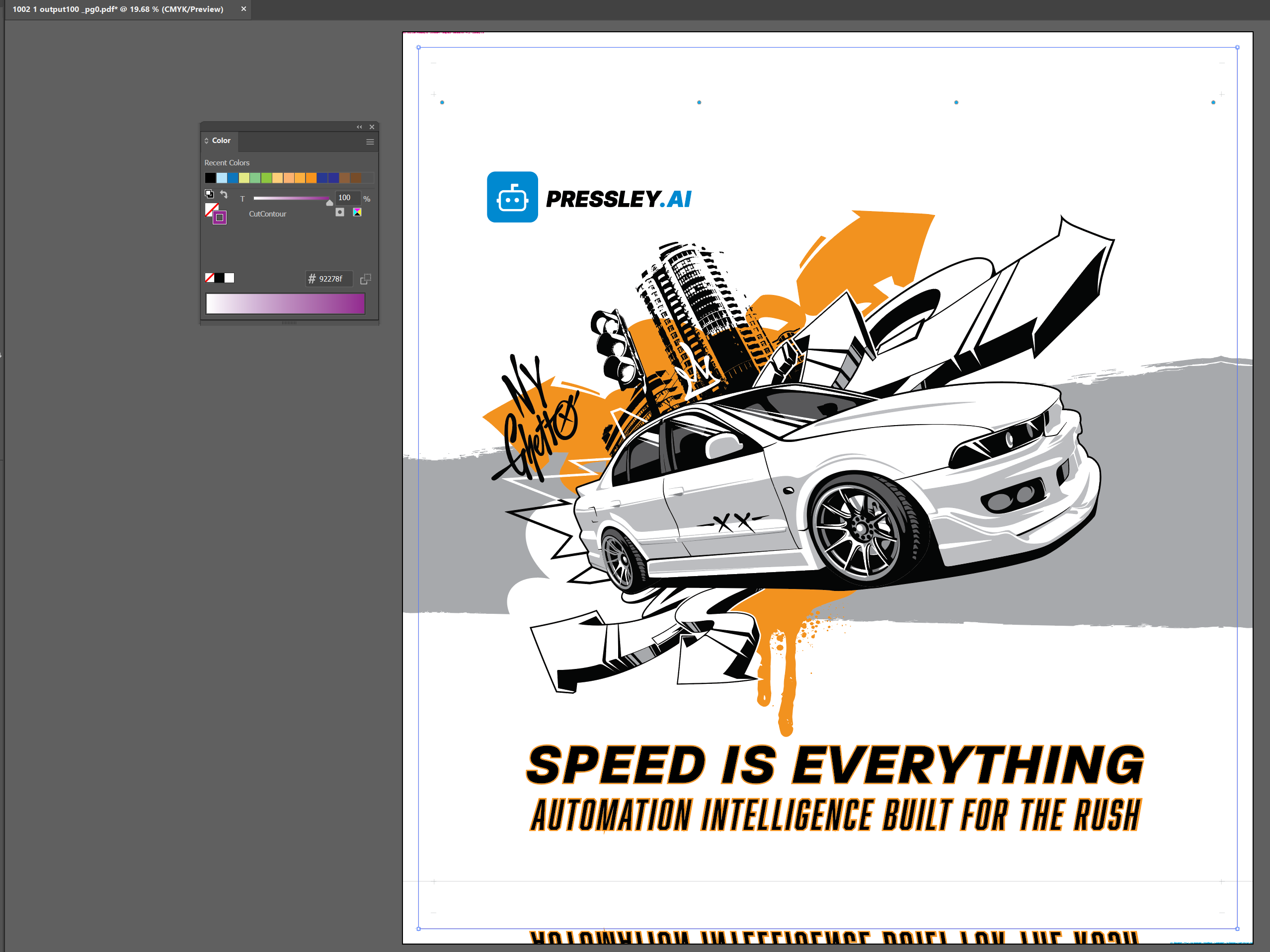
Automatic cut contour
Trim & finish
Pressley generates a cutting path wherever the mathematical edge of the image ends — so excess bleed is trimmed cleanly without manual contour work.
When your shop needs the knife on the bleed instead, Cut to Bleed is available. Existing client-supplied cut contours are preserved when already supplied.
Your artwork stays intact
PDFs Pressley creates are non-destructive. Your client's original art is not baked in and lost — finishing, marks, and structure are layered on top.
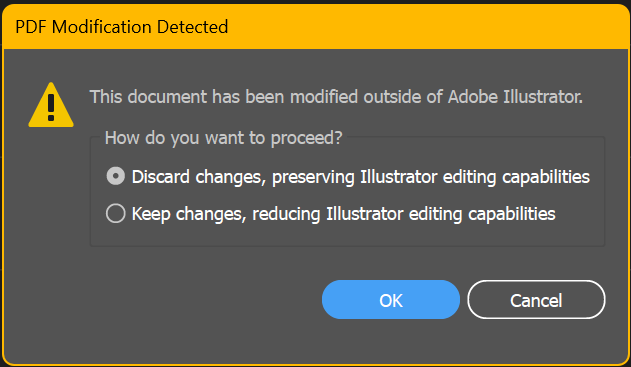
In Illustrator (and compatible tools), you can choose to open the file the way it was or with Pressley's changes visible — full flexibility for troubleshooting, tweaks, or client review.
Illustrator — open your way
Huge time saver
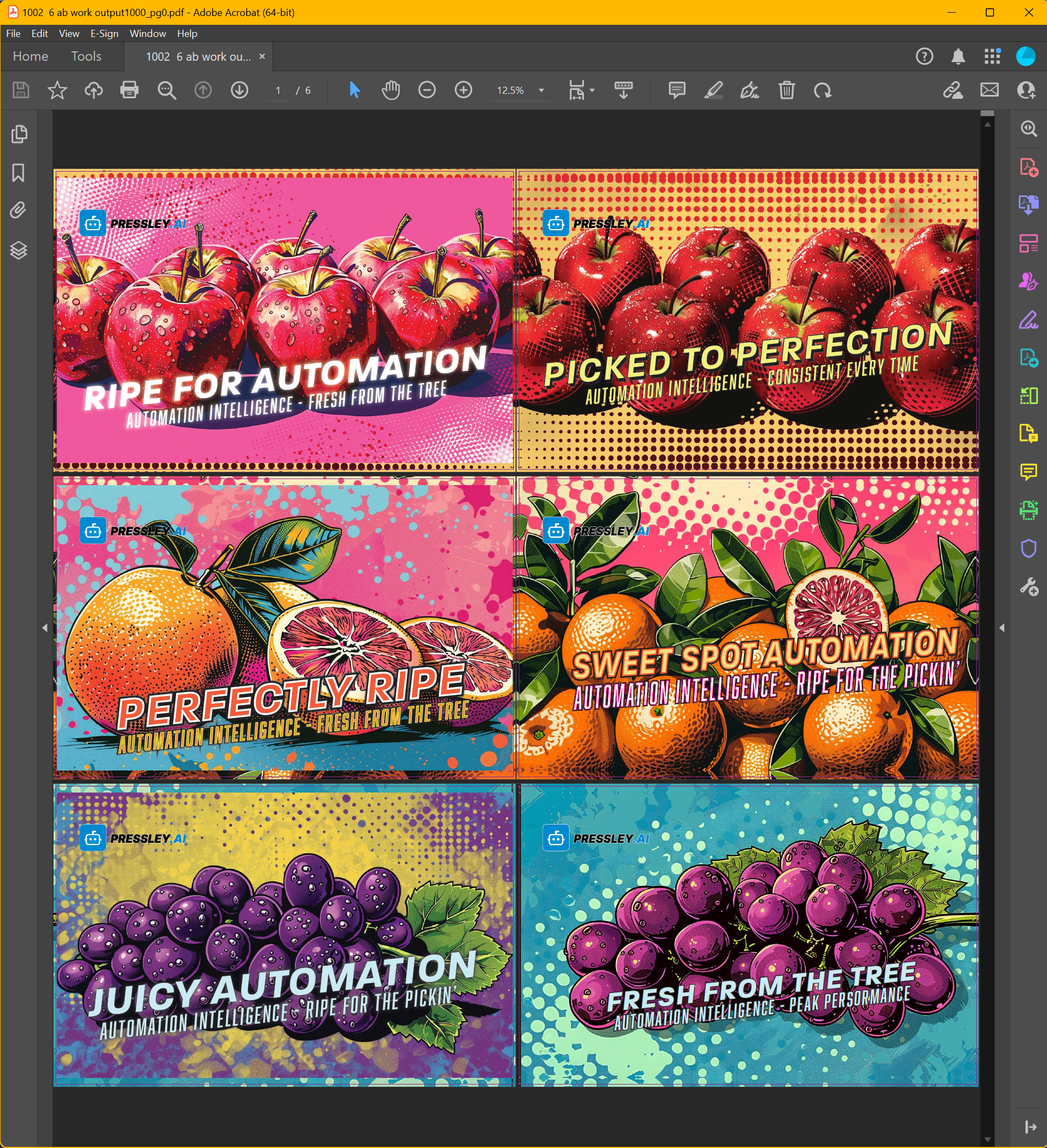
Manually pairing A and B sides, collating multi-page jobs, and adding marks can eat serious prepress time. Pressley reads your shopVOX specs and outputs collated, RIP-ready double-sided PDFs — so prepress skips the repetitive pairing work and moves on to what needs a human eye.
Drop in the plain PDFs your client sent — no finishing marks, no flipped pockets, no manual pairing. Pressley converts them into precise, collated, RIP-ready production files. The technical barriers disappear; the output matches your shop rules every time.
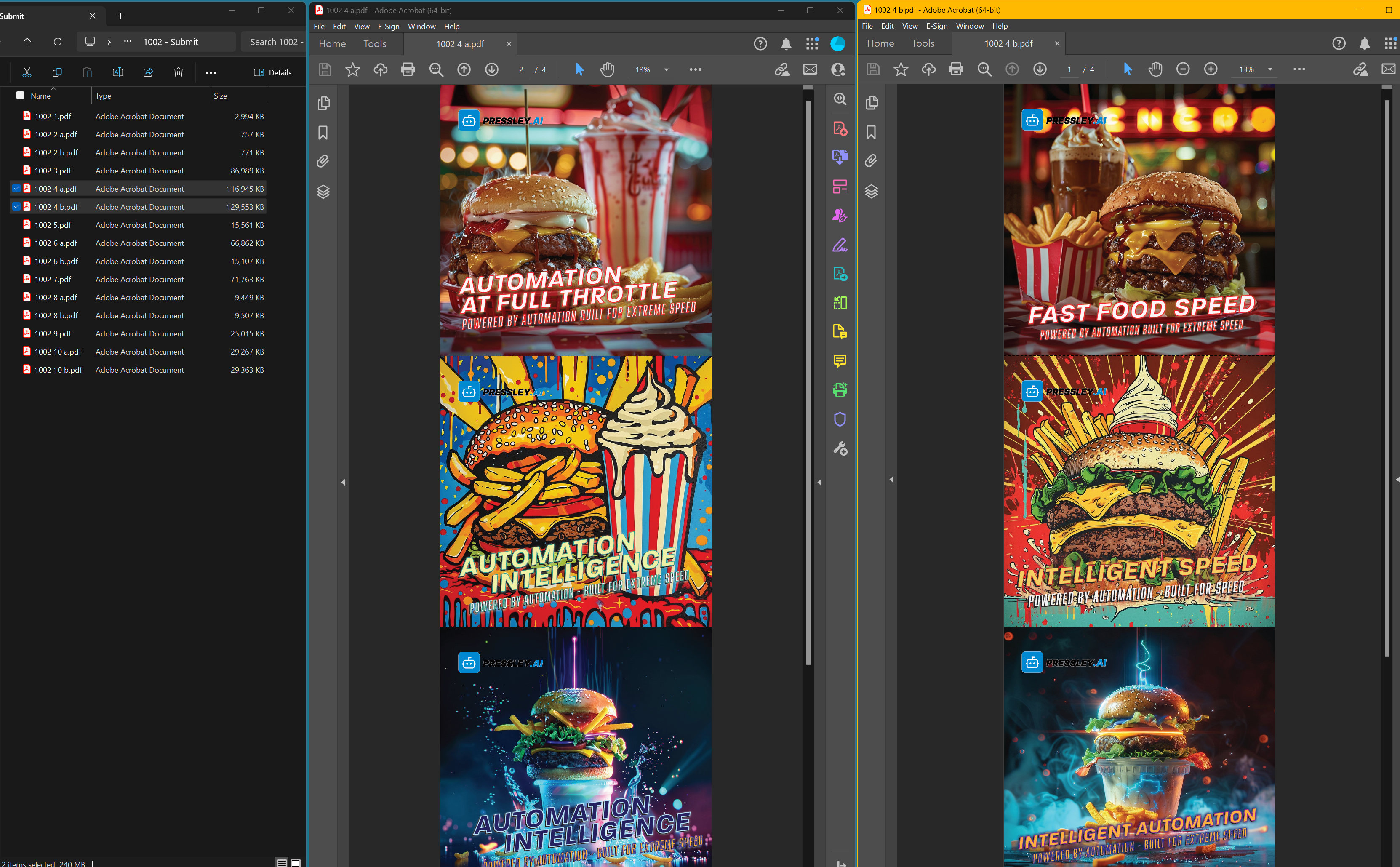
What your client sends
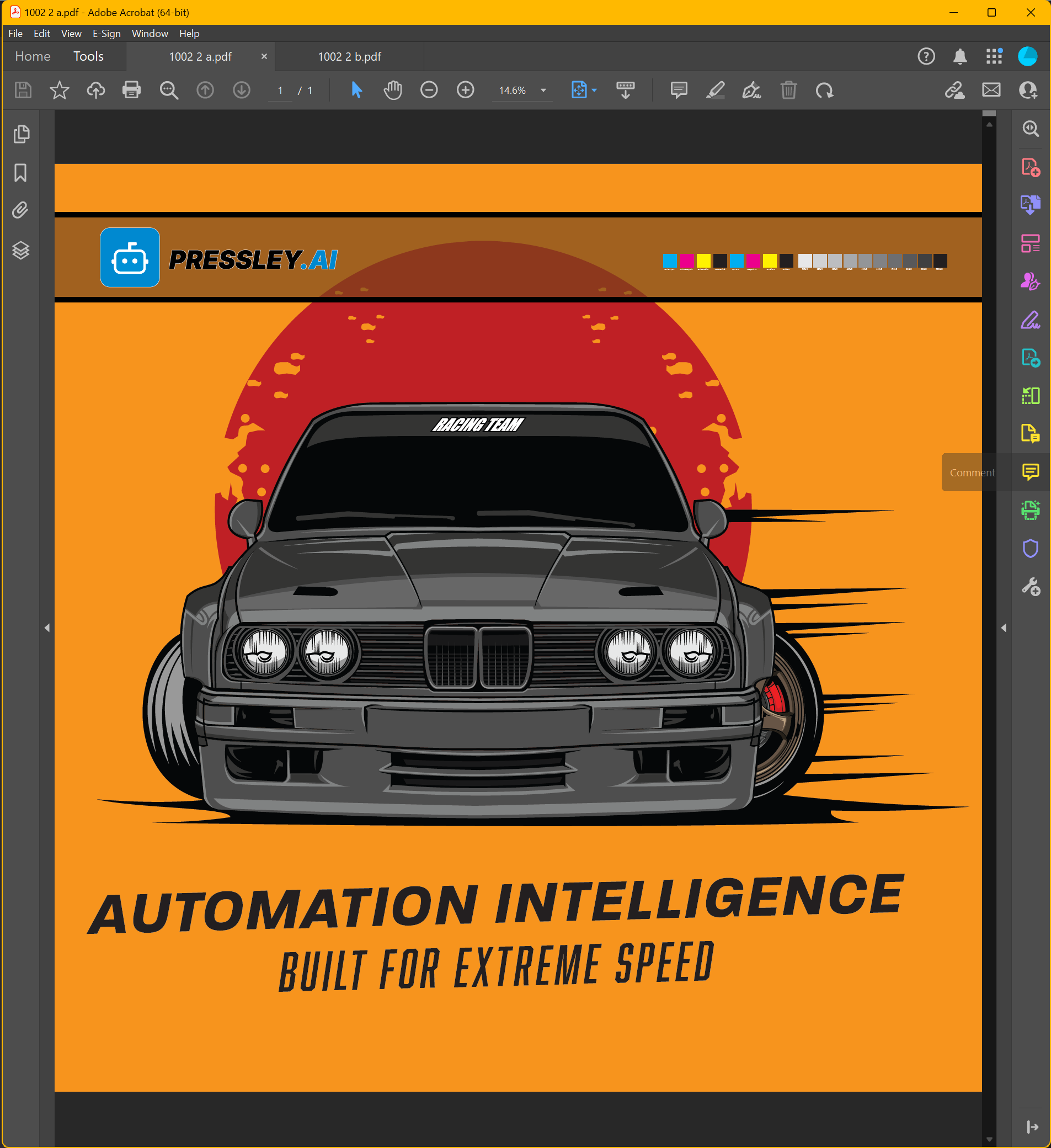
Side A — client file
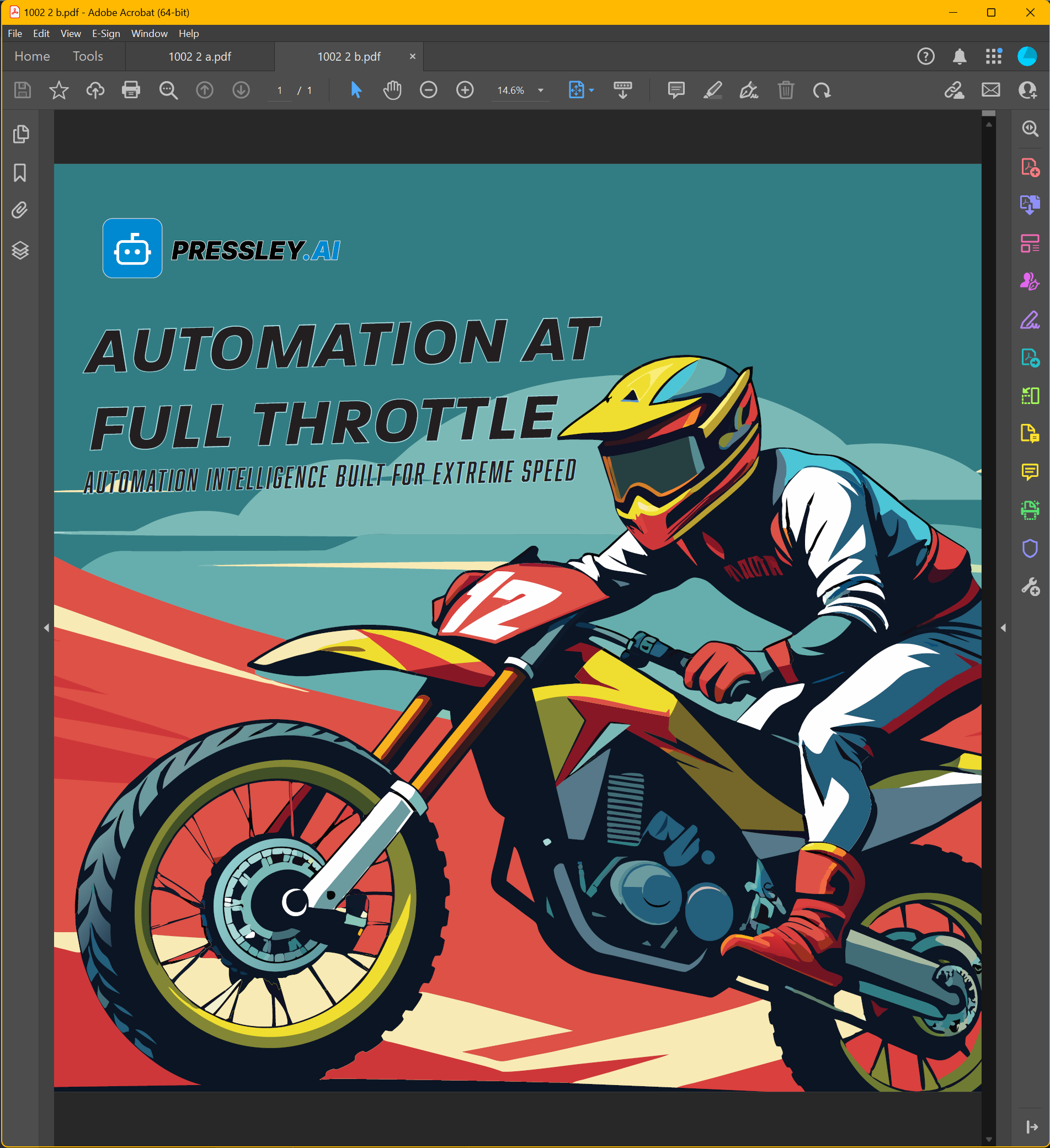
Side B — client file
What Pressley delivers
Click any screenshot to enlarge.
With finishing marks
Smart PDF structure
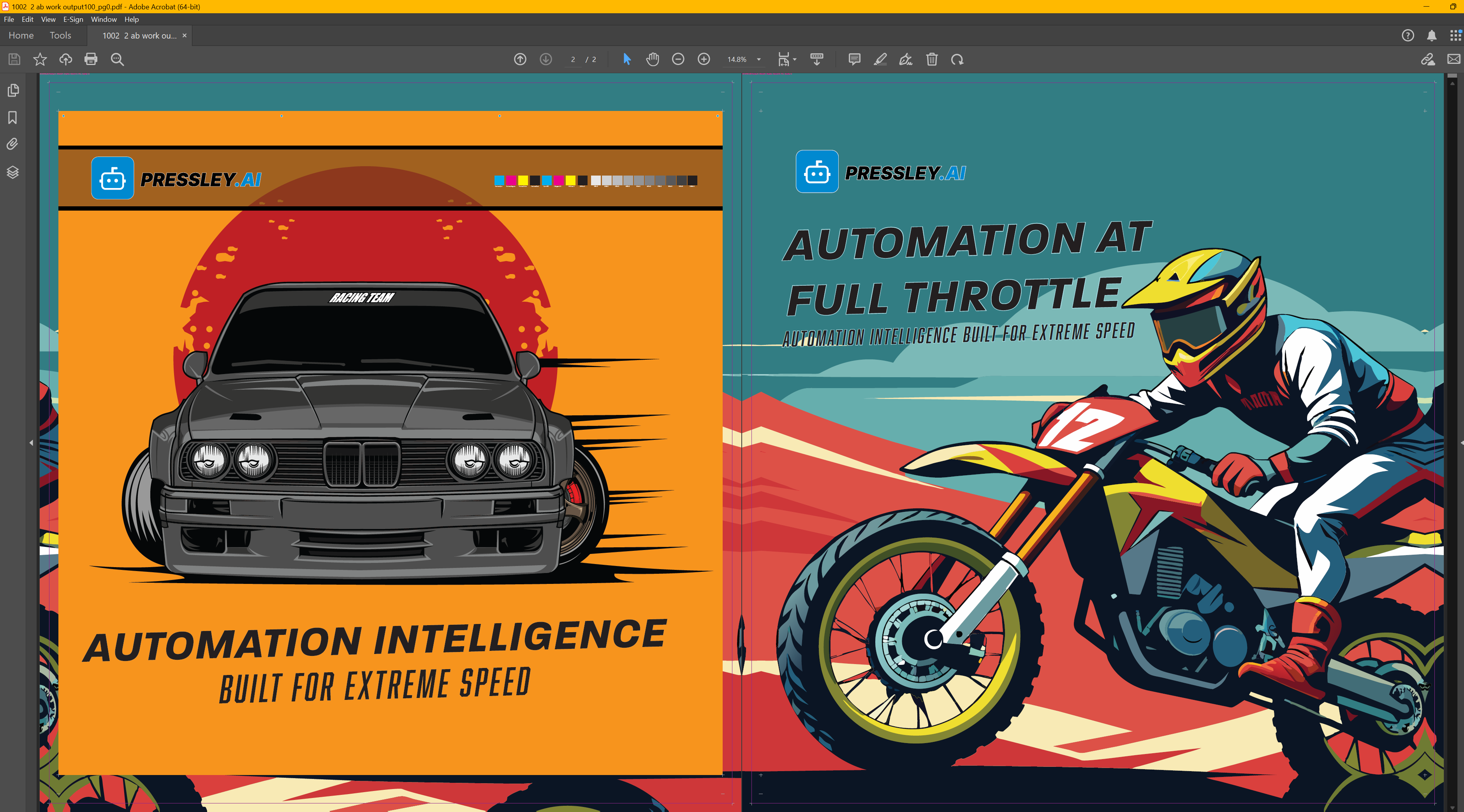
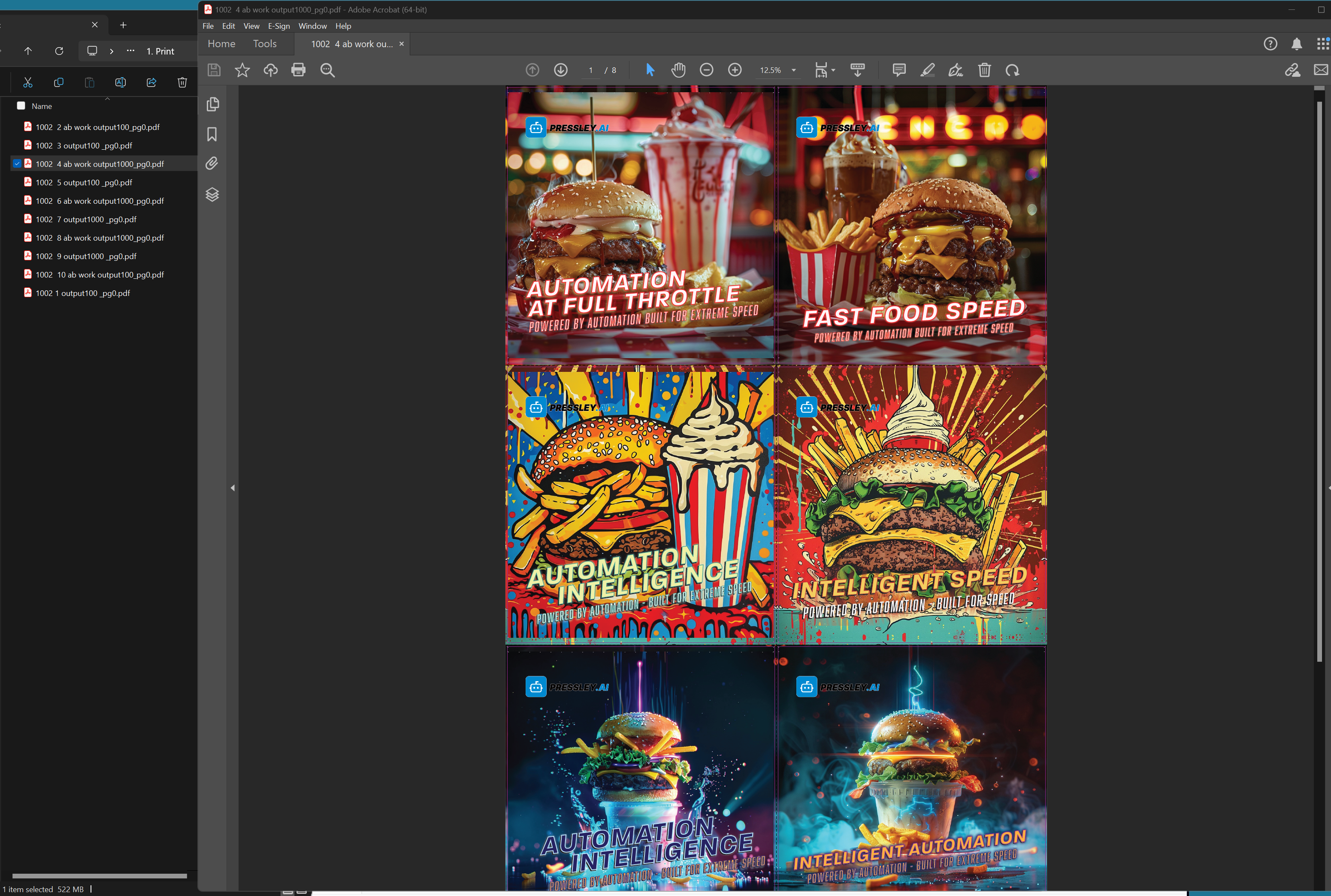
The old manual approach for Side A is to copy Side B and flip it on every edge for bleed pockets — which sounds like it should produce a gigantic PDF. Pressley's double-sided technique is different: it links Side B once and uses instances for each flipped bleed placement. Same visual result for the RIP, far smarter file structure.
Submitted — Side A + Side B combined
Production output
Why this matters: Duplicating and flipping full-resolution art on all four bleed edges would balloon file size and slow every RIP. Pressley embeds Side B once and instances it where needed — precise, repeatable, and practical for real production volume.
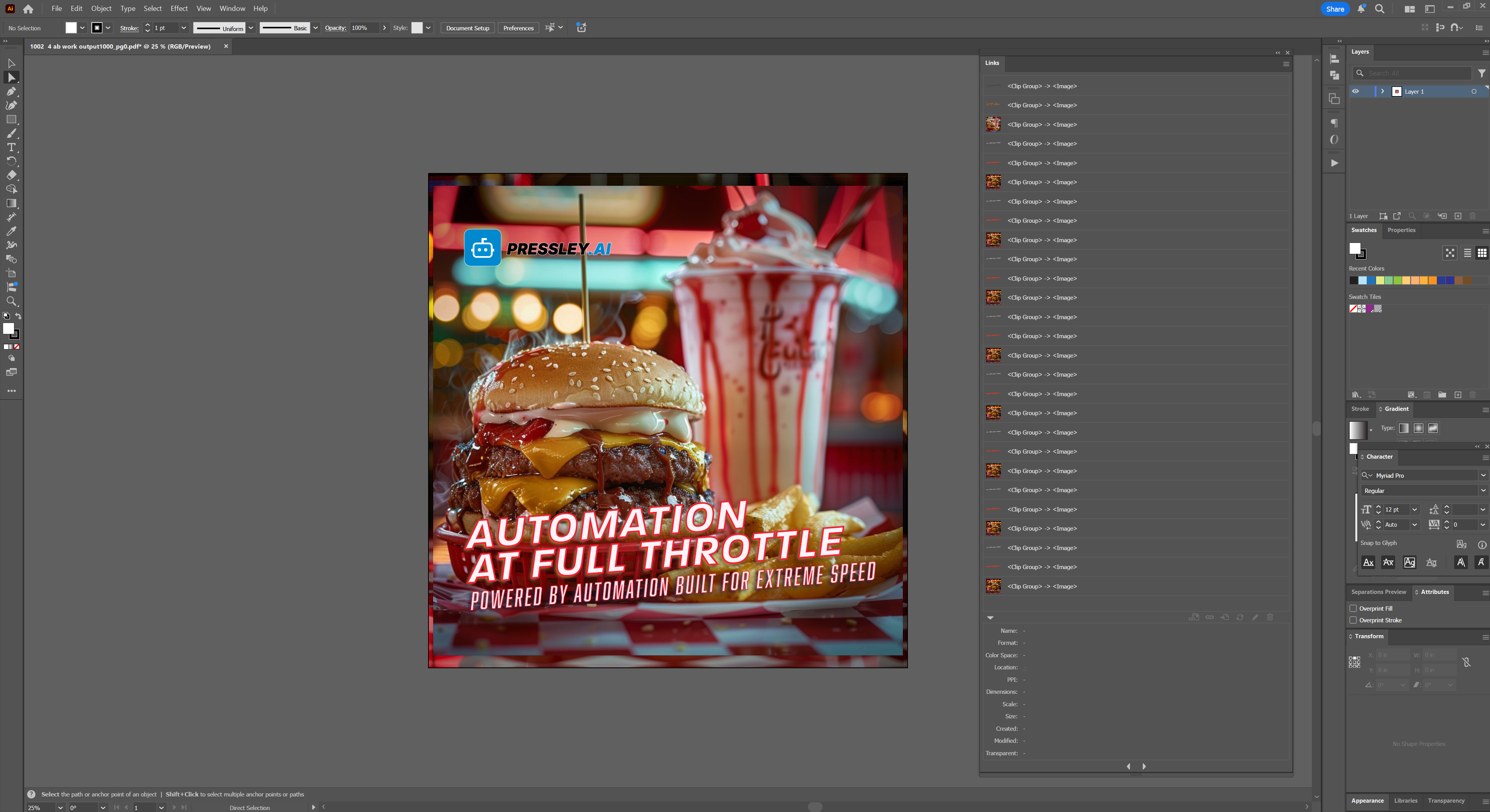
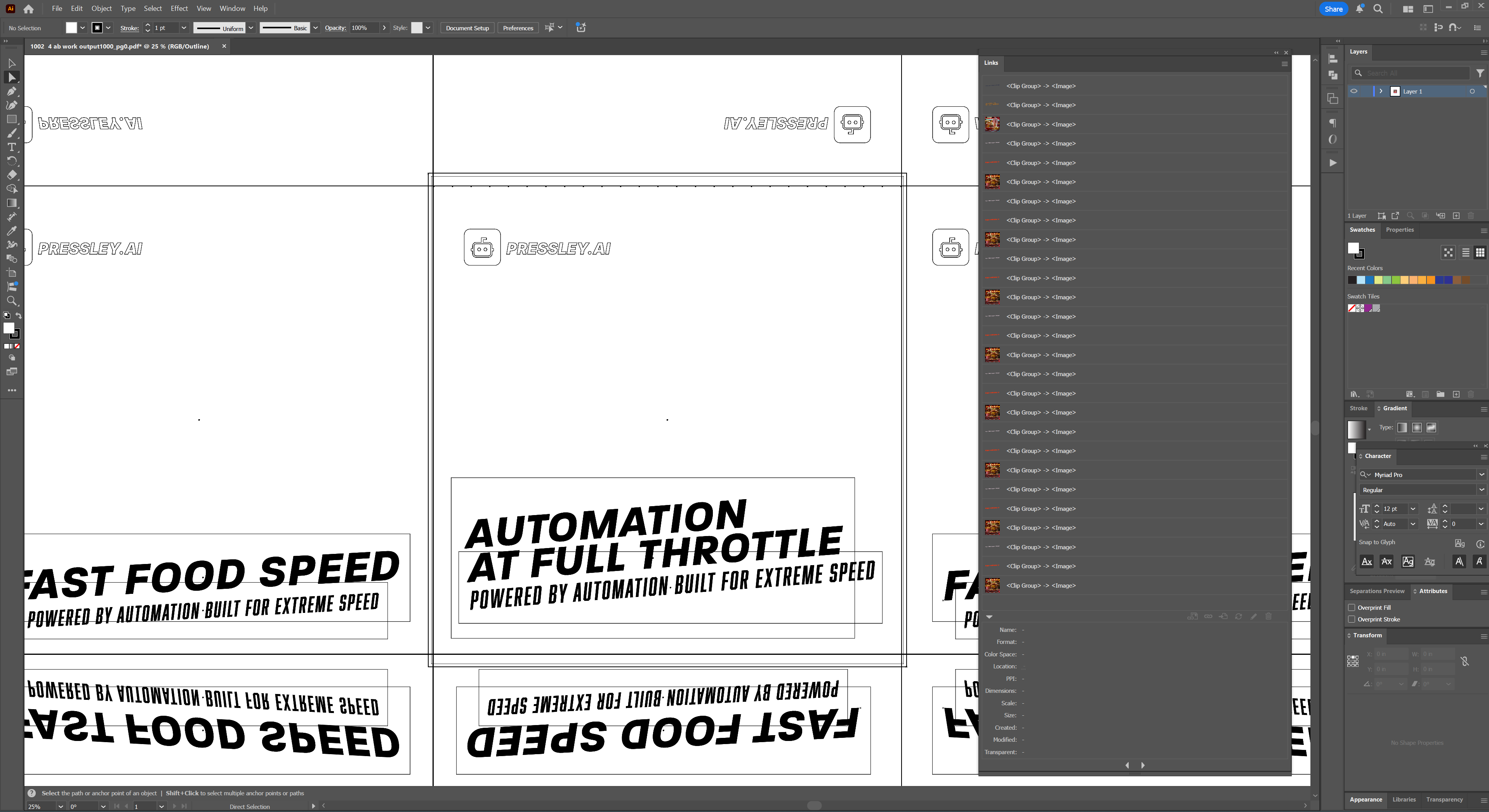
Same production file opened in Illustrator — links palette and wireframe view show how instances build the sheet.
Links panel
Wireframe view
Huge time saver
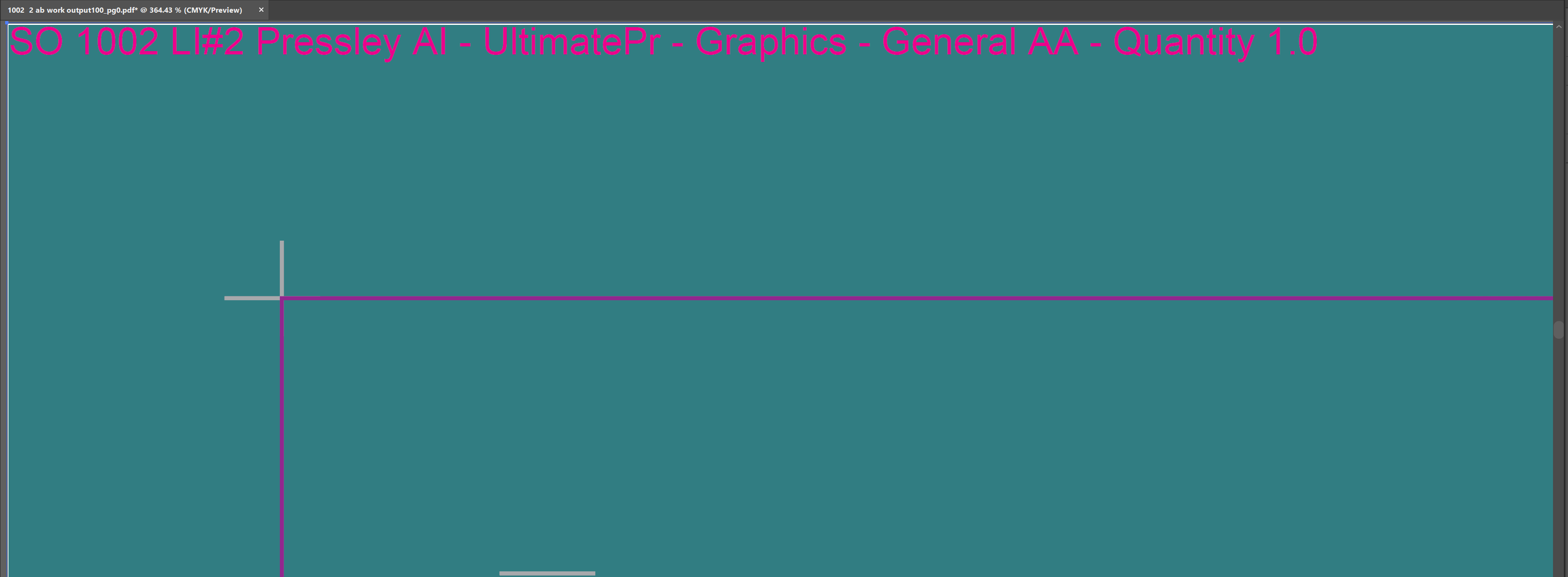
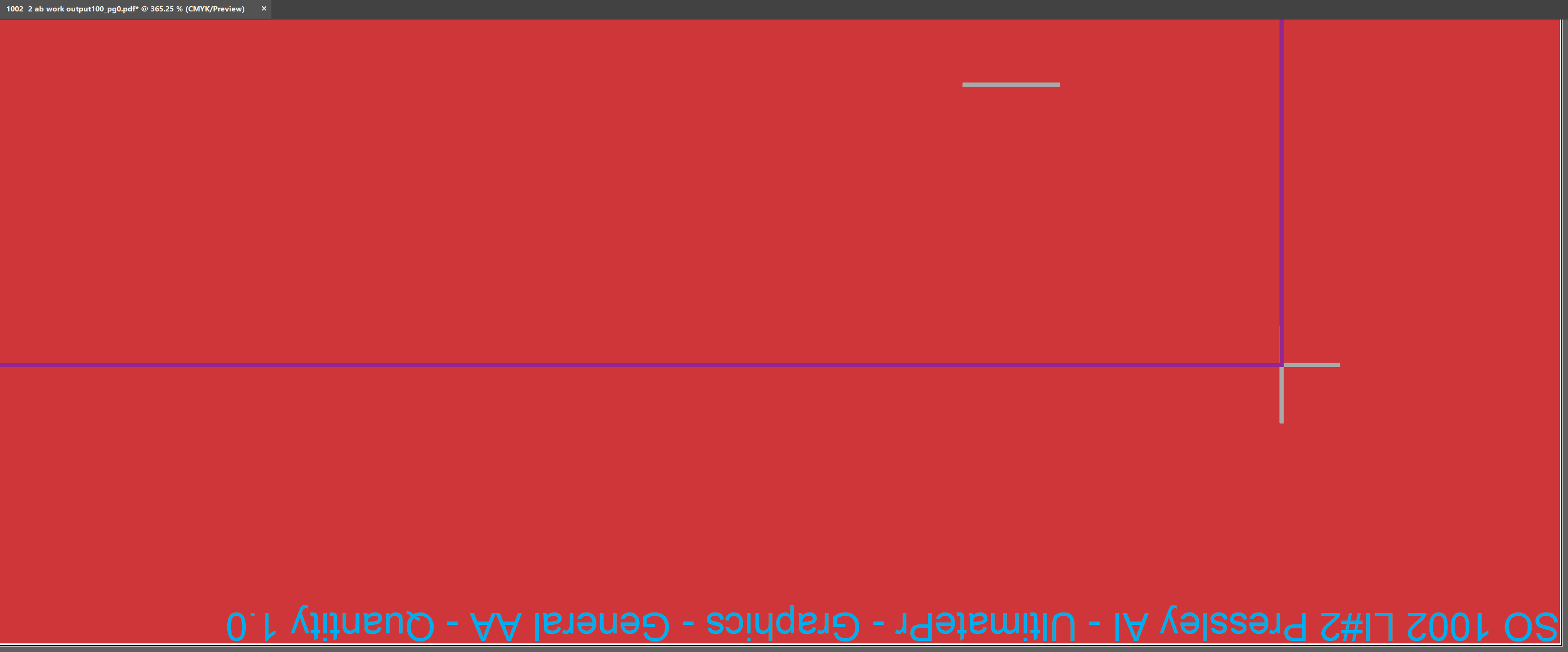
Your files are tagged automatically: top tag — left side, up; bottom tag — right side, down. Press operators can read the job on the first passes of the head; finishers can read the tag while unrolling — no manual flipping or re-tagging.
Top tag — left side, up
Bottom tag — right side, down
Batch finishing
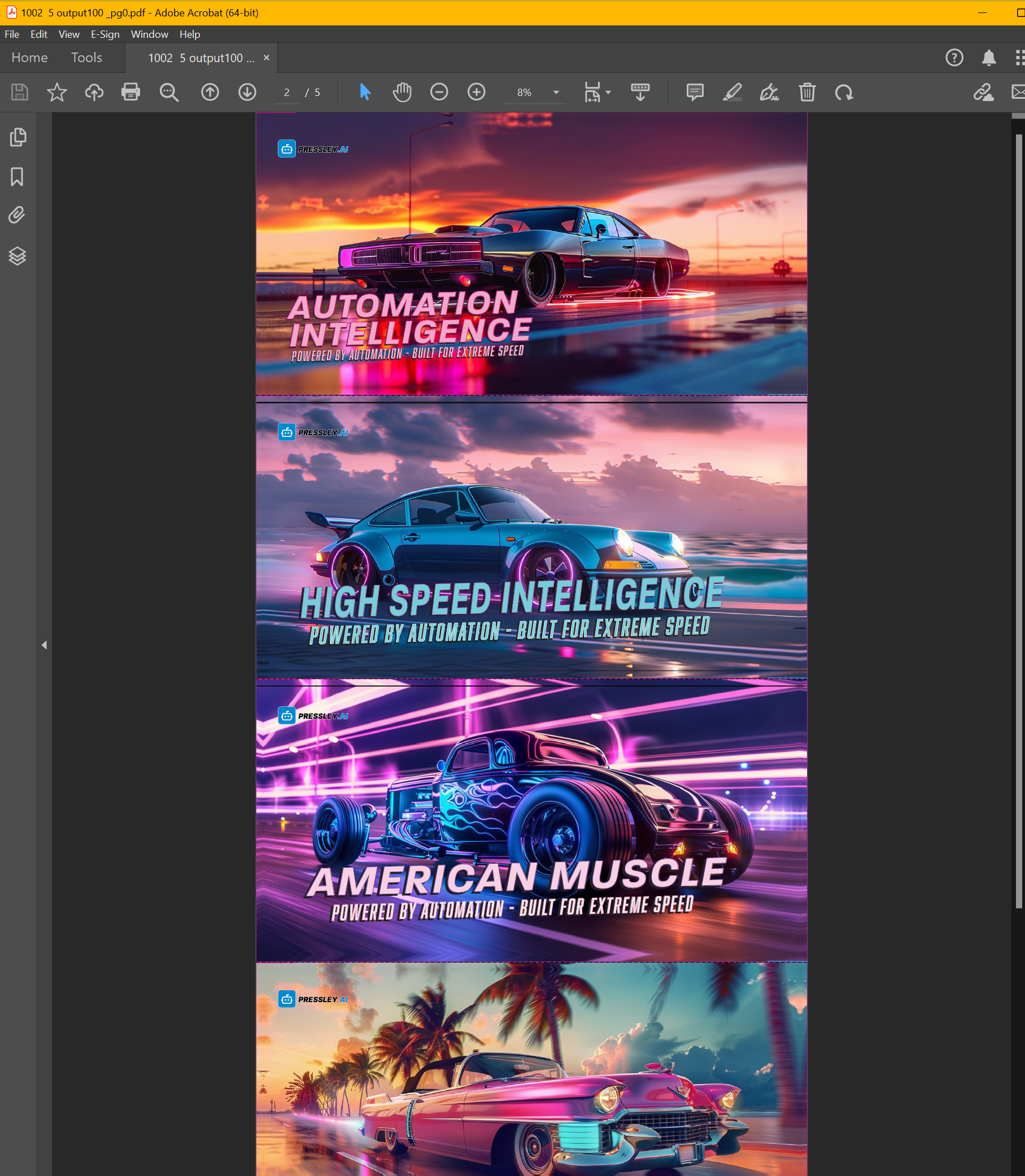
Seat holders can drop in a multi-page PDF where every page needs the same finishing. Pressley applies marks, bleeds, and cut contours to each page automatically — as fast as your processors allow, back-to-back, with no break between pages.
Five-page single-sided production PDF
Multi-page collation — not imposition
Pressley is not imposition software. It builds production PDFs with correct A/B pairing and collation so work goes straight to the RIP — precise, repeatable, and aligned to shopVOX every time.
Pressley provides the correct scale for every file — either 1:1 or 1:10 — automatically determined from your shopVOX job data. No manual scale decisions.
Strict but clear conventions ensure files are matched correctly.